




Connectivity Guide
Use EDUROAM
Use EDUROAM
POLIMI GSoM adheres to the Regulations of the Italian Eduroam Federation – Version 2.0 of September 2012. Eduroam (Education Roaming) is a service that offers secure wireless access to the network.
The School adopts the AUP (Acceptable Use Policy) of the GARR Consortium. Users are required to read and observe it.

Do you have a name.surname@gsom.polimi.it email?
Access the EDUROAM portal
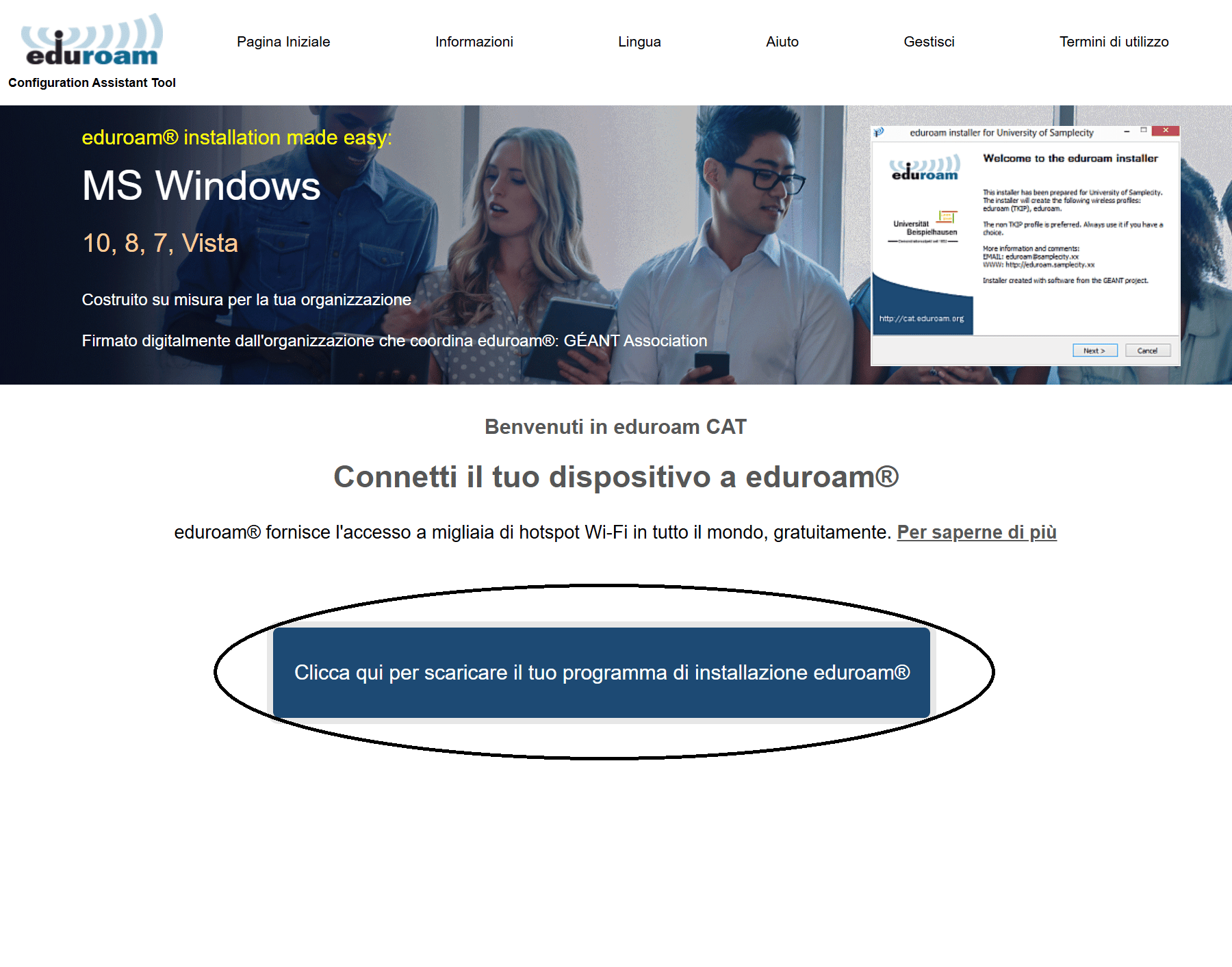
To download the configuration and start using EDUROAM, simply go to this link: https://cat.eduroam.org and click the button in the center.
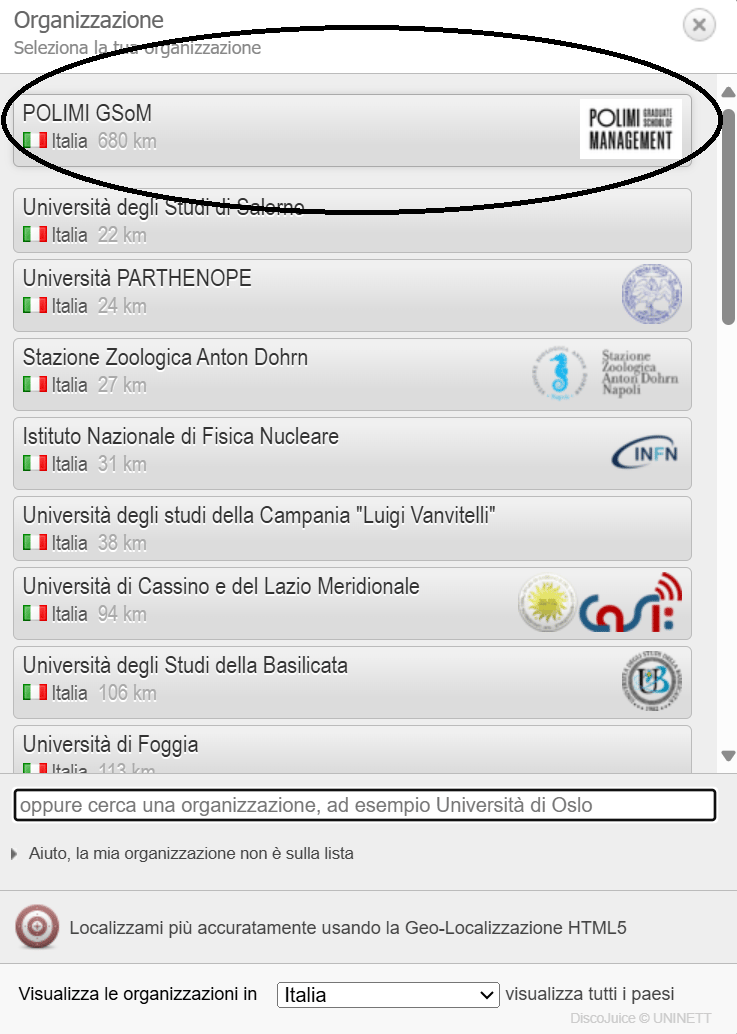
2. Search for and select POLIMI GSoM in the drop-down menu at the top right:
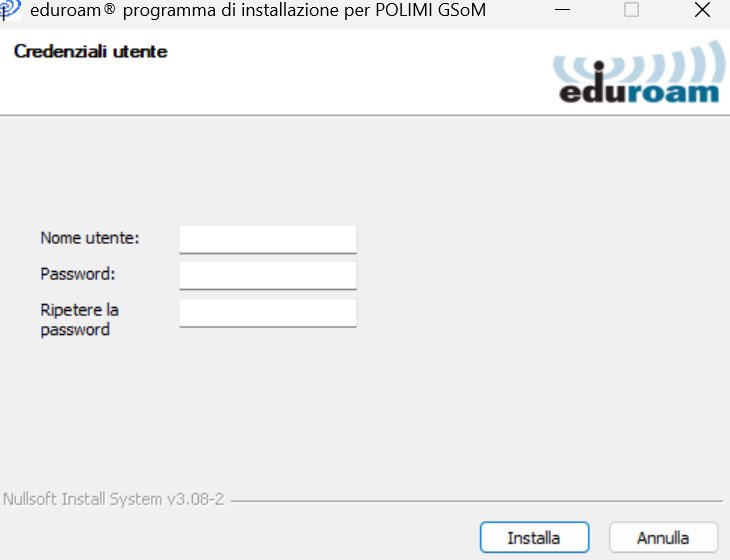
3. Install the file you just downloaded:
Press OK, a window will open where you need to enter your GSoM email ("name.surname@gsom.polimi.it") and your account password.
Alternatively, connect to the open network Make.Connect.Ignite
From the list of available networks on your device, choose Make.Connect.Ignite and click connect.
A page will open automatically where you can enter the information required to access the guest network, or you can log in using LinkedIn or Facebook.
Click "Continue" and start browsing.
.png?h=1052&iar=0&w=927)