ACCESS
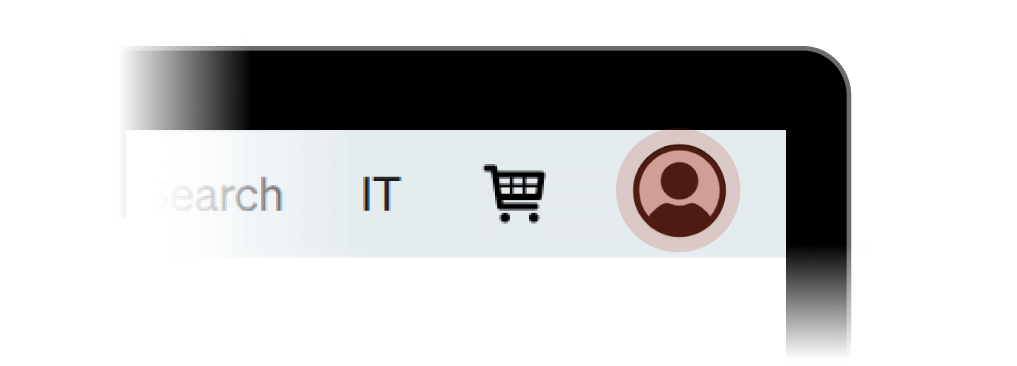
To access FLOW, click on the Login icon located at the top right of the navigation bar.
LOGIN
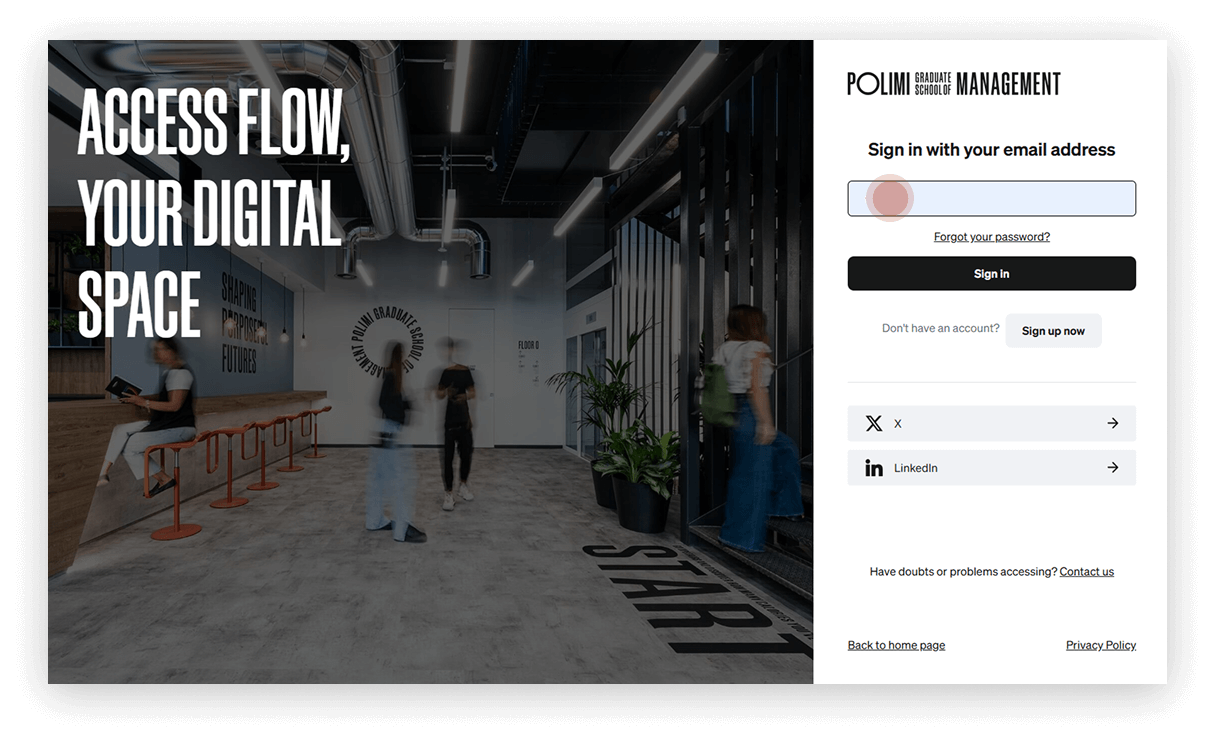
Enter your email in the designated field. The system will automatically redirect you to the student profile.
Sign up
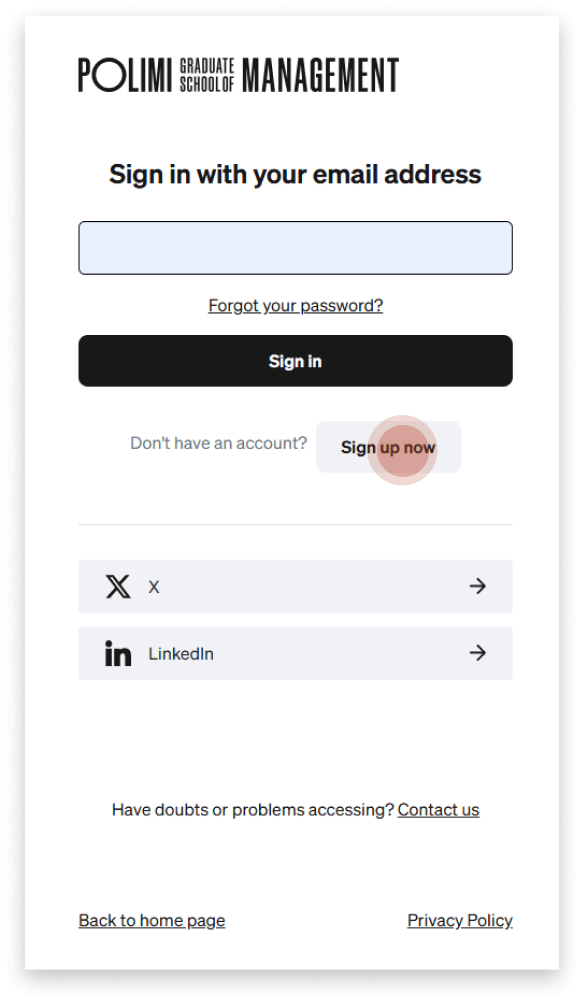
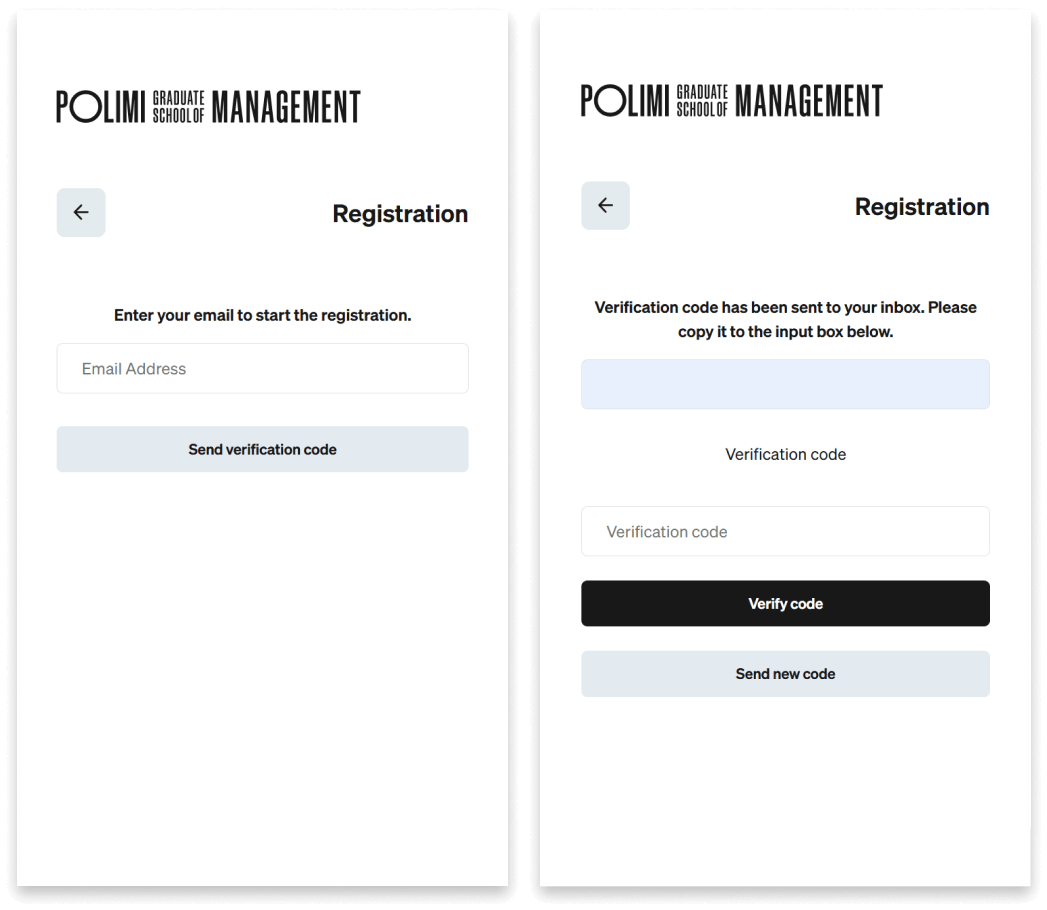
If you’ve never registered on our systems, click on Sign up now and enter your email address.
Verify your email
- Click the Send verification code button and check your inbox (it may take a few minutes to receive the confirmation email).
- Enter the verification code and click the button Verify code.
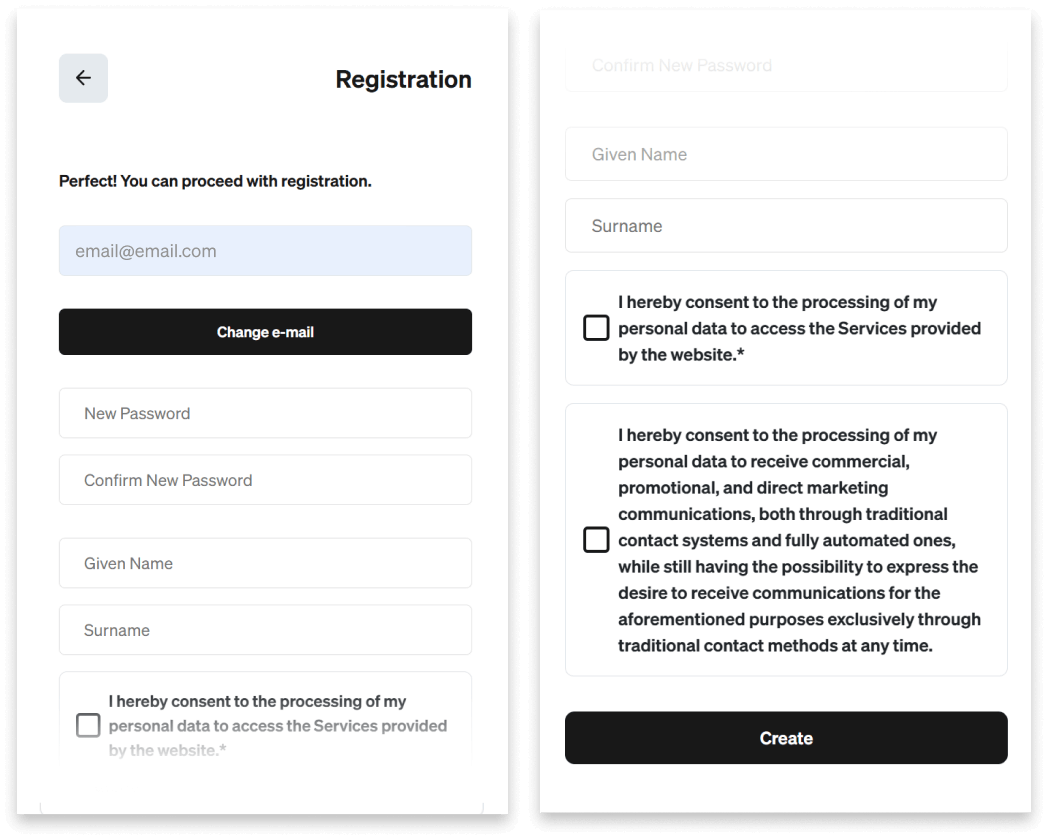
Complete your registration
- Once verified, fill in the remaining fields.
- To finish, select your privacy preferences and click the Create button.
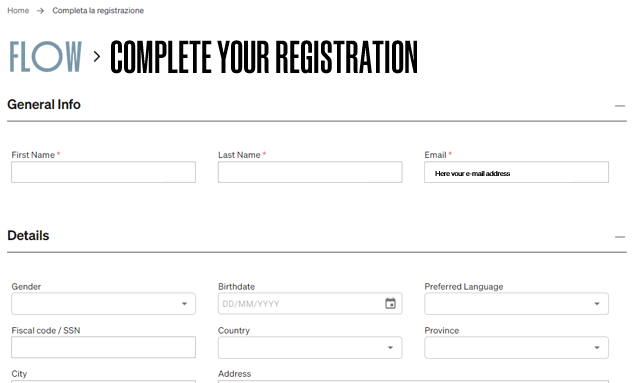
Complete your profile
You will be redirected to the page where you can enter the final details to complete your profile.
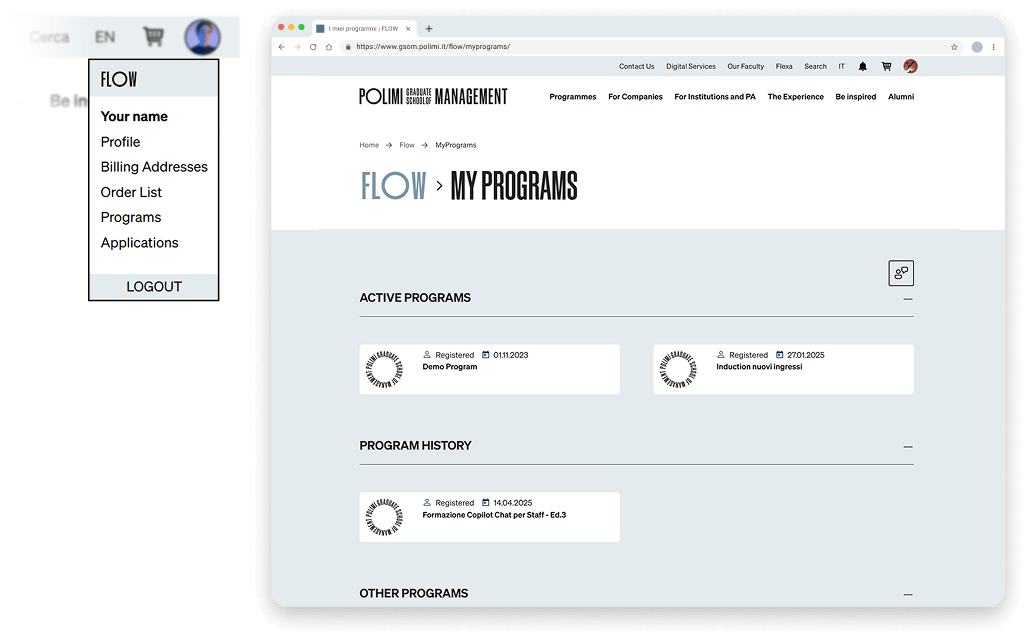
Programs
- Once logged in, click on your avatar to open the personal menu.
- By selecting Programs, you’ll access the My Programs page, where you’ll find a list of all your programs.
Corsi
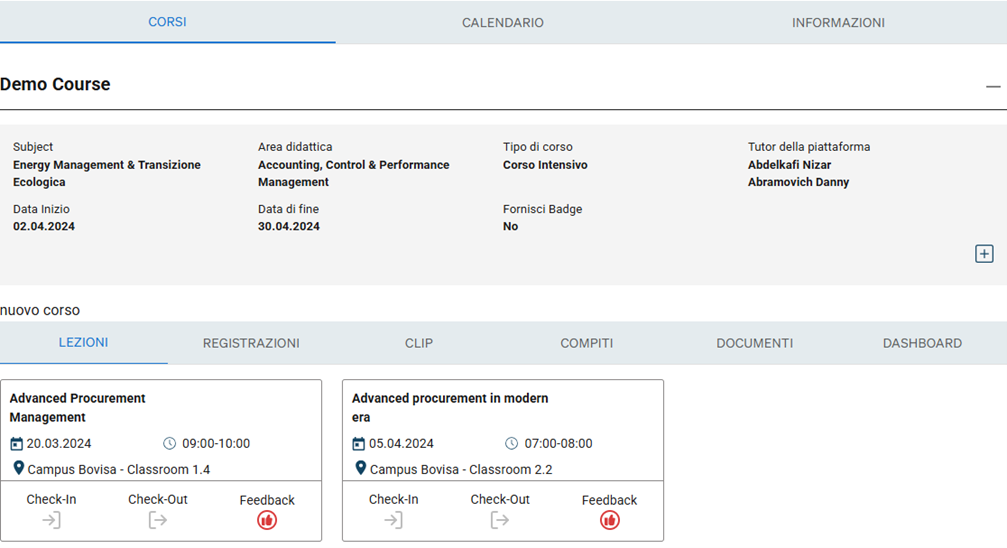
When you open each course, you’ll find details of the lessons, the clips section (if applicable for the course), assignments (if applicable for the course), documents/materials (if any), and the dashboard with information regarding use of the clips (if applicable).
You will also find a button for leaving lesson feedback for each lesson, learn more here.